
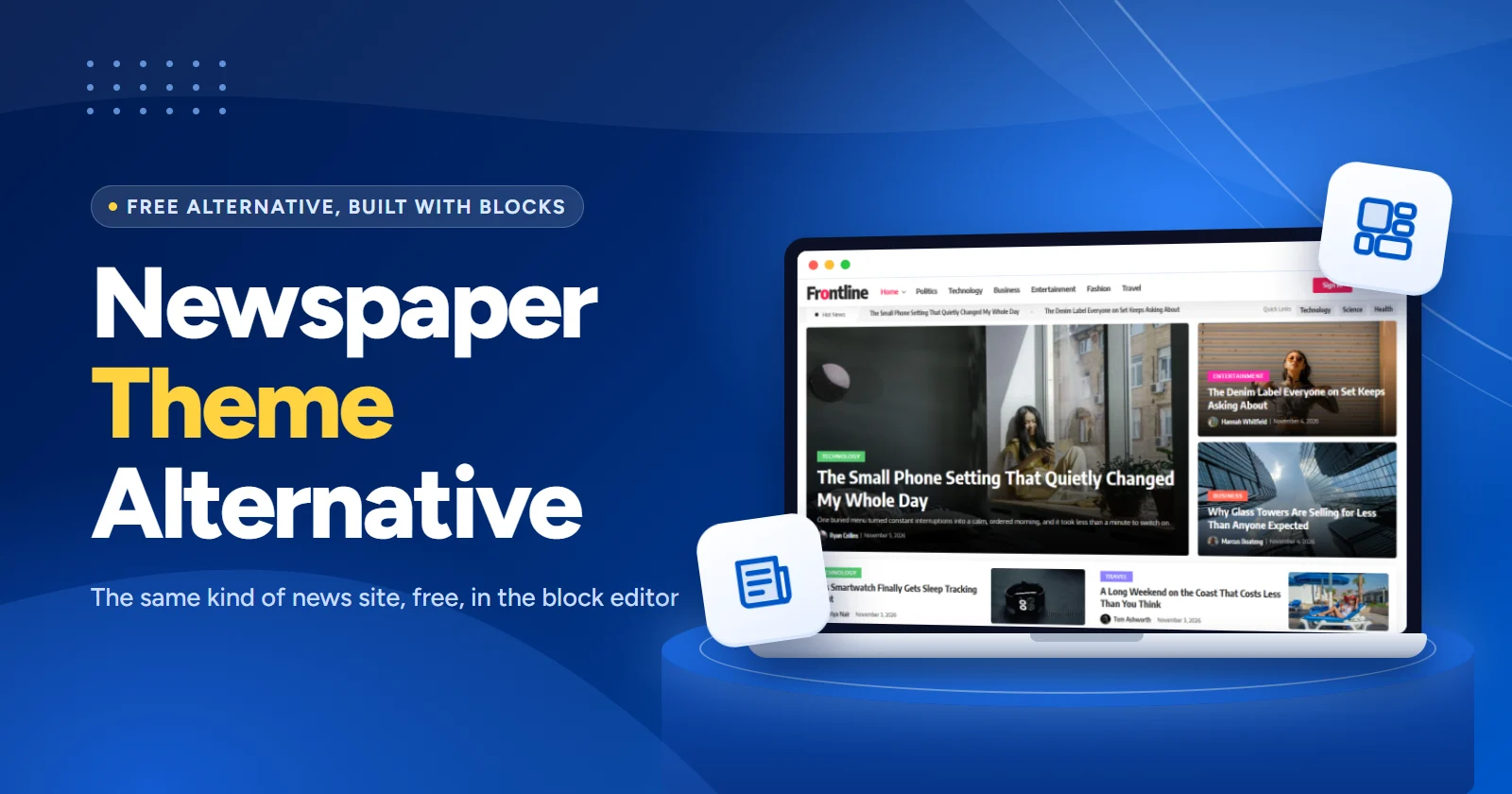
Last checked: 16 November 2026. We make News Element, the first pick below. Figures for every product come from its own sales page or WordPress.org page on that date, and our speed test method is explained in full.
Short version: the best free alternative to the Newspaper theme is a magazine block plugin on a lightweight theme. Our pick is News Element for news sites on classic themes, Gutenverse if you build with a block theme, and Blockspare if you also need marketing pages.
Newspaper by tagDiv is the best-selling news theme on ThemeForest, with 157,789 sales. It earned that: it has years of updates, more than a hundred pre-built sites and a builder that can shape every page.
But it’s a $59 premium theme with its own page builder. Your layouts are built in tagDiv Composer, so they belong to the theme. This guide shows the free, block-based route: build the same kind of news site with the WordPress block editor, on any theme, and keep your layouts if you ever switch.
Quick picks
Top picks at a glance
News Element
83 news blocks, theme builder, mega menu and 147 homepage designs (85 free).
Gutenverse
General block library made for block themes and full site editing.
Blockspare
News layouts plus general sections, 137+ starter templates and AI tools in Pro.
Magazine Blocks
31 blocks focused on magazine sections, with an ad block that can be scheduled.
Newspaper vs the free alternatives
| Option | Price | Best for | Standout | Updated |
|---|---|---|---|---|
| Newspaper (theme) | $59Regular licence, 6 months support | Sites happy to commit to one theme | 120+ pre-built sites | 22 Sep 2026v12.7.9 |
| News Element | FreePro from $20/year | News and magazine sites on classic themes | Theme builder, mega menu, 147 designs | 13 Nov 2026v2.0.0 |
| Gutenverse | FreePro from $4.09/month | Block themes and the Site Editor | 600+ templates and sections | 13 Nov 2026v4.2.3 |
| Blockspare | FreePro from $29 | News plus marketing pages | 12 hero layouts, AI tools | 9 Nov 2026v5.2.6 |
| Magazine Blocks | FreePro from $40/year | A small, focused plugin | Ad block with scheduling | 29 Oct 2026v1.8.10 |
| Kadence Blocks | FreePro available | Sites already on the Kadence theme that want news sections alongside other page blocks | Posts block, Pro: Post Grid/Carousel, Advanced Query Loop | 11 Nov 2026v3.9.1 |
| Essential Blocks | FreePro available | Sites that want many general blocks plus a free post grid and carousel | Post Grid, Post Carousel | 4 Nov 2026v6.5.3 |
| Stackable | FreePro available | Design-led blogs and magazines that need one well-styled posts block | Posts block, Pro: Load More, Pagination | 13 Oct 2026v3.20.3 |
| Otter Blocks | FreePro available | Block-theme sites that want a simple posts block and social sharing in one plugin | Posts block, Sharing Icons | 13 Nov 2026v3.2.11 |
| Getwid | FreePro available | Sites that want free post sliders and carousels without a Pro plan | Recent Posts, Post Slider | 16 Sep 2026v3.0.2 |
| PublishPress Blocks | FreePro available | Newsrooms with several editors who need to control which blocks each role can use | Content Display block, Block permissions | 13 Nov 2026v3.7.8 |
Speed test: page weight of the demo homepages
How we tested: we loaded each demo homepage in headless Chrome at a phone screen size (412 px wide) with an empty cache, scrolled to the bottom like a reader would, and counted everything the browser downloaded. Each page was loaded three times and we report the median. We compared Newspaper’s default demo with two News Element demos of a similar style. We don’t report load times, because the demos sit on different servers and load time depends heavily on hosting.
| Demo homepage | Page weight | Requests | JavaScript | CSS | Page elements |
|---|---|---|---|---|---|
| News Element: Frontline | 1,752 KB | 76 | 28 KB | 66 KB | 1,629 |
| News Element: Broadsheet | 1,773 KB | 71 | 28 KB | 58 KB | 1,020 |
| Newspaper: default demo | 2,573 KB | 131 | 590 KB | 121 KB | 3,113 |
Most of each page’s weight is photos, which you control. The bigger difference is JavaScript: about 28 KB on the News Element demos against about 590 KB on the Newspaper demo, which also includes the demo’s own extras. Your own site’s numbers will depend on your images, plugins and hosting.
Why people look for a Newspaper alternative
Newspaper is a good theme. These are the common reasons people still look elsewhere:
The free, block-based alternatives
All ten are free plugins on WordPress.org. The first four are built for news and magazine layouts; the other six are general block libraries with post blocks you can use for news sections. Pair any of them with a lightweight theme.
1. News Element
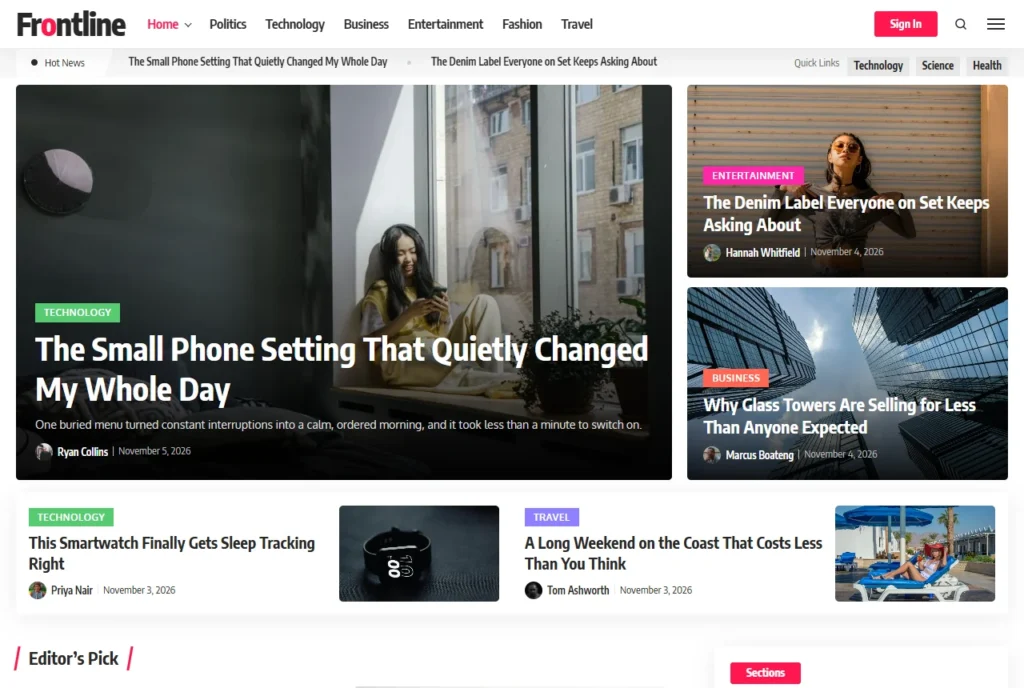
Free, Pro from $20/year · 300+ installs · 100% (5 reviews) · Updated 13 Nov 2026 · Theme builder · Mega menu · 147 designs
Best for: news and magazine sites that want the closest match to a premium news theme, without the theme.
Why we like it: it covers the same jobs Newspaper does, inside the block editor. 83 blocks handle the homepage (heroes, magazine modules, grids, sliders, ticker, trending), a Theme Builder handles the header, footer, article, archive, search and 404 pages, and the Demo Library imports a whole starter site around the homepage you pick. Filter tabs and six pagination modes work without extra plugins.
2. Gutenverse
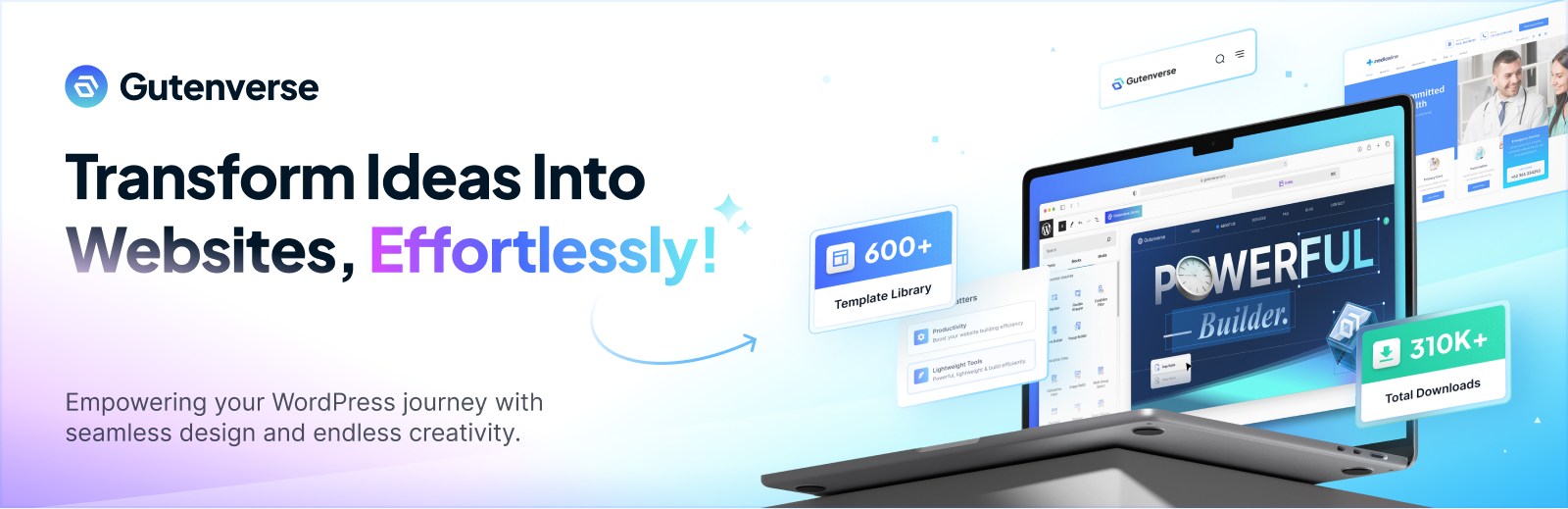
Free, Pro from $4.09/month · 20,000+ installs · 98% (190 reviews) · Updated 13 Nov 2026 · Full site editing · 600+ templates
Best for: people who build everything in the Site Editor with a block theme.
Why we like it: it’s made by Jegstudio. It’s a general block library rather than a news plugin, with strong styling controls, global colours and fonts, and a large template library. Headers, footers and archive pages are built in the Site Editor.
3. Blockspare
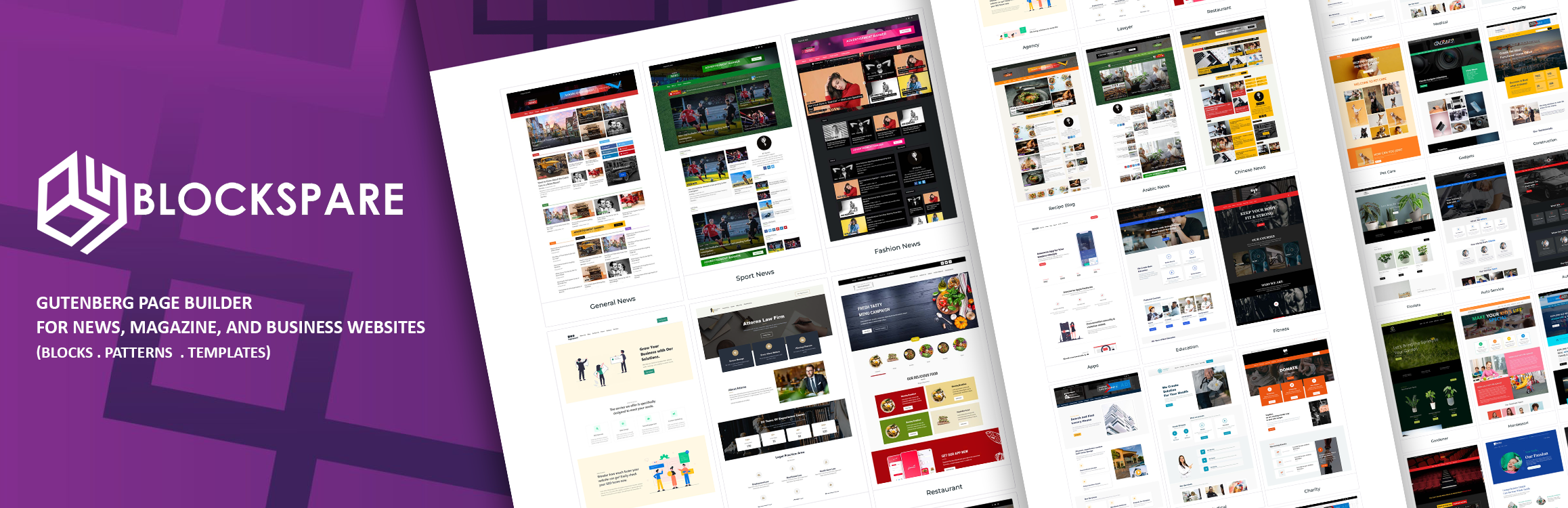
Free, Pro from $29 · 10,000+ installs · 96% (34 reviews) · Updated 9 Nov 2026 · Site Builder · 137+ starter templates
Best for: sites that mix news with landing pages, pricing tables and testimonials.
Why we like it: it has 12 hero banner layouts and many latest-posts styles, including carousels and a news ticker (Latest Posts Flash). Its Site Builder covers headers, footers, single, archive and 404 templates.
4. Magazine Blocks

Free, Pro from $40/year · 6,000+ installs · 98% (11 reviews) · Updated 29 Oct 2026 · Site Builder · 31 blocks
Best for: a small plugin that covers the magazine essentials.
Why we like it: it sticks to news blocks: Featured Posts, Banner Posts, Grid Module, Post List, Tab Post, Split Feed and a News Ticker. It also has an Advertisement block with scheduling, which news sites will find useful, and loads Google Fonts locally.
General block libraries with post blocks
These six aren’t made for news sites, but each has blocks that list posts. They suit sites where news is one part of a bigger site, or where you already use the plugin.
5. Kadence Blocks
Free, Pro available · 600,000+ installs · 96% (336 reviews) · Updated 11 Nov 2026 · Posts block · Pro: Post Grid/Carousel, Advanced Query Loop
Best for: sites already on the Kadence theme that want news sections alongside other page blocks.
Why we like it: it’s one of the most used block plugins on WordPress.org, with strong row, column and typography controls. The free Posts block lists recent posts; the Post Grid/Carousel and Advanced Query Loop blocks, which do most of the work on a news homepage, are Pro.
6. Essential Blocks

Free, Pro available · 100,000+ installs · 98% (216 reviews) · Updated 4 Nov 2026 · Post Grid · Post Carousel · Pro: News Ticker
Best for: sites that want many general blocks plus a free post grid and carousel.
Why we like it: the free version includes a Post Grid and an animated Post Carousel, alongside a long list of general blocks and patterns. The News Ticker and an advanced, filterable Query Loop Builder are Pro.
7. Stackable
Free, Pro available · 100,000+ installs · 98% (522 reviews) · Updated 13 Oct 2026 · Posts block · Pro: Load More, Pagination
Best for: design-led blogs and magazines that need one well-styled posts block.
Why we like it: its Posts block can be styled in many ways, and the plugin has a strong design system with dynamic content and custom query loops. Load More and Pagination blocks for posts are premium.
8. Otter Blocks
Free, Pro available · 300,000+ installs · 94% (251 reviews) · Updated 13 Nov 2026 · Posts block · Sharing Icons · Full site editing
Best for: block-theme sites that want a simple posts block and social sharing in one plugin.
Why we like it: it works well with full site editing and includes a Posts block for showing a set number of posts, plus Sharing Icons for articles. It covers many general page needs at the same time.
9. Getwid

Free, Pro available · 50,000+ installs · 94% (115 reviews) · Updated 16 Sep 2026 · Recent Posts · Post Slider · Post Carousel
Best for: sites that want free post sliders and carousels without a Pro plan.
Why we like it: it has 40+ blocks, and three of them show posts for free: Recent Posts (list or grid), Post Slider and Post Carousel. They can also be filtered by custom fields.
10. PublishPress Blocks
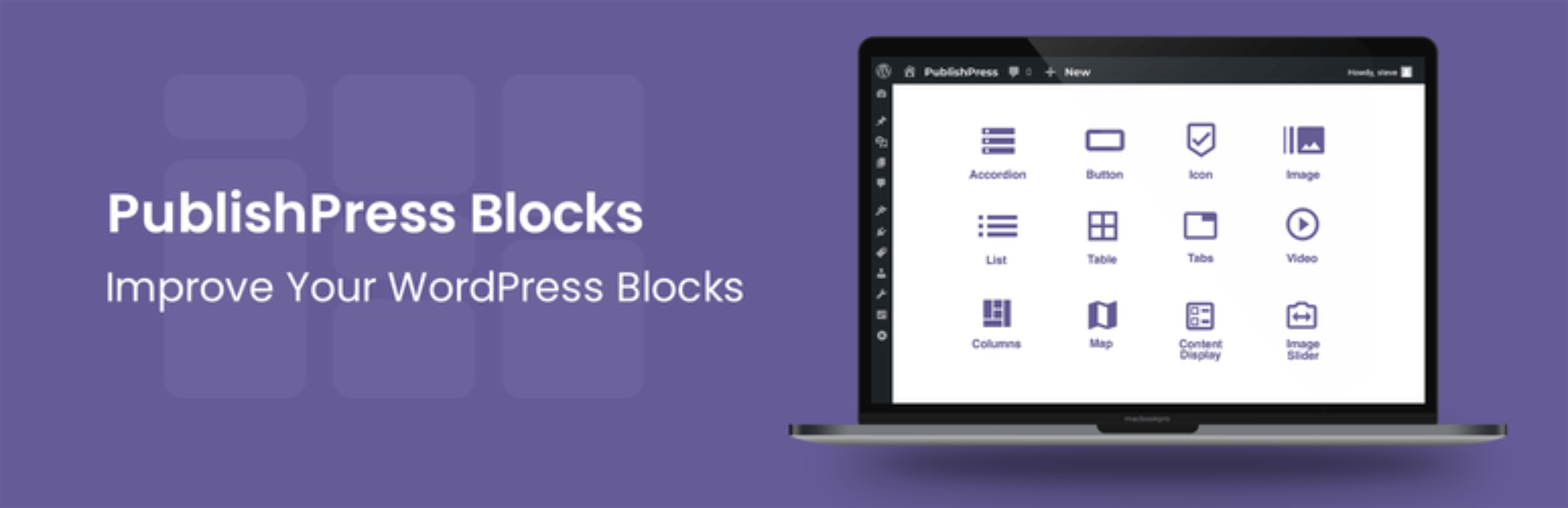
Free, Pro available · 20,000+ installs · 94% (204 reviews) · Updated 13 Nov 2026 · Content Display block · Block permissions
Best for: newsrooms with several editors who need to control which blocks each role can use.
Why we like it: its Content Display block builds post lists and blog layouts, and the plugin adds block controls, visibility rules and permissions, which suit sites with many writers.
Newspaper features and their block equivalents
If you know Newspaper, this is where each feature lives in News Element. Some features have no match, and we’ve said so.
| Newspaper | Free News Element |
|---|---|
| tagDiv Composer (front-end builder) | The WordPress block editor |
| 120+ one-click pre-built sites | 147 homepage designs, 85 freeDemo Library imports the site around the one you pick |
| Header and footer builder | Theme Builder header and footer templatesDisplay conditions per page, category or author |
| Template builder (article, author, 404) | Theme Builder single, archive, search and 404 templates |
| Flex and Big Grid blocks | Hero, Magazine, Post Grid, Feature Grid and slider blocks |
| Opt-In Builder (membership, paywall) | Works with the Metered Content paywall pluginPro badges and article previews |
| Mobile theme | Responsive blocks instead of a separate mobile theme |
| AMP | |
| Weather, exchange and social counter widgets | Social Followers blockNo weather or exchange widgets |
| WooCommerce shop blocks | Use WooCommerce’s own blocks |
How to build a Newspaper-style site with blocks
Step 1
Pick a lightweight theme. A classic theme with little styling of its own works best, because News Element supplies the header, footer and layouts.
Step 2
Install News Element from Plugins → Add New, then set your fonts and colours once in News Element → Global Kit.
Step 3
Import a starter design. Open News Element → Demo Library, preview the designs on desktop, tablet and phone, and import the closest one.
Step 4
Point each section at your categories. Open each block’s query settings, choose your category, and use Offset so stories don’t repeat.
Step 5
Check the article and category pages. The import includes them. Adjust the single post template, then publish.
The full walk-through is in How to Build a News or Magazine Website with the WordPress Block Editor.
What to look for in an alternative
FAQ
No. Newspaper is sold on ThemeForest for $59 (regular licence). Free copies offered elsewhere are pirated “nulled” versions, which often contain malware. Use a free plugin from WordPress.org instead.
Yes. A free magazine block plugin on a lightweight theme gives you the same kind of homepage, header, footer, article and category layouts. News Element includes 85 free homepage designs to start from.
No. Layouts built with tagDiv Composer don’t convert to blocks. Rebuild the homepage first, ideally from an imported design, then the article and category templates. Your posts, categories and images stay as they are.
In our test, the News Element demos downloaded about 30% less data and about 95% less JavaScript than Newspaper’s default demo. Your own result depends on your images, plugins and hosting, so test your own pages.
Possibly. News Element has no AMP, no separate mobile theme and no weather or exchange widgets. If you rely on those, check the alternatives before switching.
A lightweight classic theme works best with News Element’s Theme Builder. If you prefer a block theme, use the Site Editor for the header and footer, or choose Gutenverse.
Yes. The free plugin on WordPress.org includes the blocks, Theme Builder, mega menu and 85 homepage designs. Pro adds 62 more designs and starts at $20 a year.
Which one should you use?
If you want what Newspaper gives you (a dense news homepage, custom header and footer, article and category templates, and ready designs) without buying a theme, start with News Element. If you’ve already moved to a block theme, choose Gutenverse. If your site is half news and half marketing pages, try Blockspare. And if Newspaper’s extras, such as AMP or its mobile theme, are essential to you, Newspaper is still a solid choice. If you already use Kadence Blocks, Stackable or Otter for other pages, their post blocks can handle simple news sections, but you’ll build more of the layout yourself.

Build your news site free with News Element
83 blocks, a Theme Builder, a mega menu and 85 free homepage designs, all in the block editor.
Newspaper is a trademark of its owner. This comparison is independent and not affiliated with tagDiv or Envato. Facts come from the ThemeForest and tagDiv pages and from WordPress.org on 16 November 2026. If something is out of date, tell us and we’ll fix it.


