

Last checked: 14 November 2026. We make News Element. We’ve used the same sources for all four plugins (each one’s WordPress.org page and its own pricing page) and noted where we couldn’t confirm something.
If you’re building a news, magazine or blog site in the block editor, four plugins come up again and again. They look similar in screenshots, but they’re built for different jobs.
This comparison goes past the feature list. It covers what matters once your site is live: how the blocks query posts, how templates work, how well each plugin is maintained, and what Pro costs.
Short answer
The numbers
From WordPress.org on 14 November 2026.
| Magazine Blocks | Blockspare | Gutenverse | Our plugin News Element | |
|---|---|---|---|---|
| Made by | BlockArt | BlockSpare | Jegstudio | Webangon (us) |
| On WordPress.org since | April 2022 | April 2020 | February 2022 | March 2022Block version 2.0.0: November 2026 |
| Active installs | 6,000+ | 10,000+ | 20,000+ | 400+ |
| Rating | 98%11 reviews | 96%34 reviews | 98%190 reviews | 100%5 reviews |
| Last update | 29 Oct 2026 | 9 Nov 2026 | 13 Nov 2026 | 13 Nov 2026 |
| Tested up to | WordPress 7.1.4 | WordPress 7.1.4 | WordPress 7.1.4 | WordPress 6.9.11 |
| Minimum WordPress / PHP | 6.3 / 7.4 | 5.0 / 7.4 | 5.9 / 7.4 | 6.5 / 7.4 |
All three established plugins were updated in the last three weeks and are tested with the current WordPress version, so all three are actively maintained.
Gutenverse has by far the most reviews, and 179 of its 190 are five stars. Magazine Blocks has very few reviews, which makes its high rating less telling. Blockspare has two 2-star reviews among its 34.
Blocks for news sites
Total block counts can mislead, because some plugins count buttons, icons and pricing tables. What matters for a news site is how many ways you can lay out posts.
| Magazine Blocks | Blockspare | Gutenverse | Our plugin News Element | |
|---|---|---|---|---|
| Total blocks (free) | 31 | 57 | 57 | 83 |
| Multi-post magazine modules | Featured Posts, Banner Posts, Grid Module, Split Feed, Tab Post | Latest Posts in several styles | Post Block, Post List | 11 Magazine layouts, 6 Post Grid styles, Feature Grid, Alt Blog and more |
| Hero sections | Banner Posts | 12 Hero Banner layouts | Build your own | 8 hero blocksColumns, Grid, Overlap, Splash and others |
| Sliders and carousels | Carousel, slider, trending carousel | 7 slider blocks | ||
| News ticker | Latest Posts Flash | Not listed | ||
| Trending or popular posts | Not listed | Trending carousel | Not listed | Trending block |
| Single-post blocks (author box, related posts, TOC) | Not confirmed | Not confirmed | Post title and content blocks | 10 blocks, incl. Reading Progress and Inline Related |
| Ads | Advertisement block with scheduling | Not listed | Not listed | Not listed |
What this means: if you want many different-looking sections on one homepage, News Element and Blockspare give you the most to work with. Magazine Blocks covers the essentials and adds the only ad block with scheduling in this group. Gutenverse gives you general post blocks that you style yourself.
Query controls and loading posts
A news homepage repeats one pattern: show the latest posts from a category, without repeating the ones already shown above. Check how each plugin handles that.
| Magazine Blocks | Blockspare | Gutenverse | Our plugin News Element | |
|---|---|---|---|---|
| Filter by category, tag, author | ||||
| Offset (skip the first posts) | Not confirmed | Not confirmed | Not confirmed | |
| Category filter tabs | Tab Post | ProAJAX filters | Not listed | Free, without page reload |
| Load more / numbered pagination | Not confirmed | ProLoad more | Not confirmed | Free |
| “Current archive” source for category pages | Through Site Builder | Through Site Builder | Through the Site Editor’s query | A Source switch on post blocks |
“Not confirmed” means we couldn’t verify it from the plugin’s public pages.
Templates: header, footer, single post and archive
Every plugin here lets you design more than the homepage, but they do it in different ways:
Rule of thumb: on a block theme, Gutenverse fits most naturally. On a classic theme, the other three do.
Extras that are often sold separately
| Magazine Blocks | Blockspare | Gutenverse | Our plugin News Element | |
|---|---|---|---|---|
| Mega menu | Not listed | Not listed | Not confirmed | |
| Ready designs | Template library | 137+ free starter templates500+ in Pro | 600+ templates and sections | 147 homepage designs85 free |
| Next post auto-load | ||||
| AI writing tools | Pro | Not listed | ||
| Local Google Fonts | Not confirmed | Not confirmed | On by default |
Pro prices
From each plugin’s own pricing page on 14 November 2026. Prices change often, so check before you buy.
| Plugin | 1 site | More sites | Lifetime |
|---|---|---|---|
| Magazine Blocks | $40/year | $99/yearUnlimited sites | $129 (1 site)$249 unlimited |
| Blockspare | $29 | $595 sites | $891 site |
| Gutenverse | From $4.09/monthAs advertised | See pricing page | See pricing page |
| News Element | $20/year | $30/year (5 sites)$40/year unlimited | $30 (1 site)$40 for 5 sites, $50 unlimited |
Notes:
Which one should you choose?

Choose Magazine Blocks if:
You want a small plugin with the key magazine blocks, an ad block with scheduling, and a clear Pro price. Expect fewer layout choices.
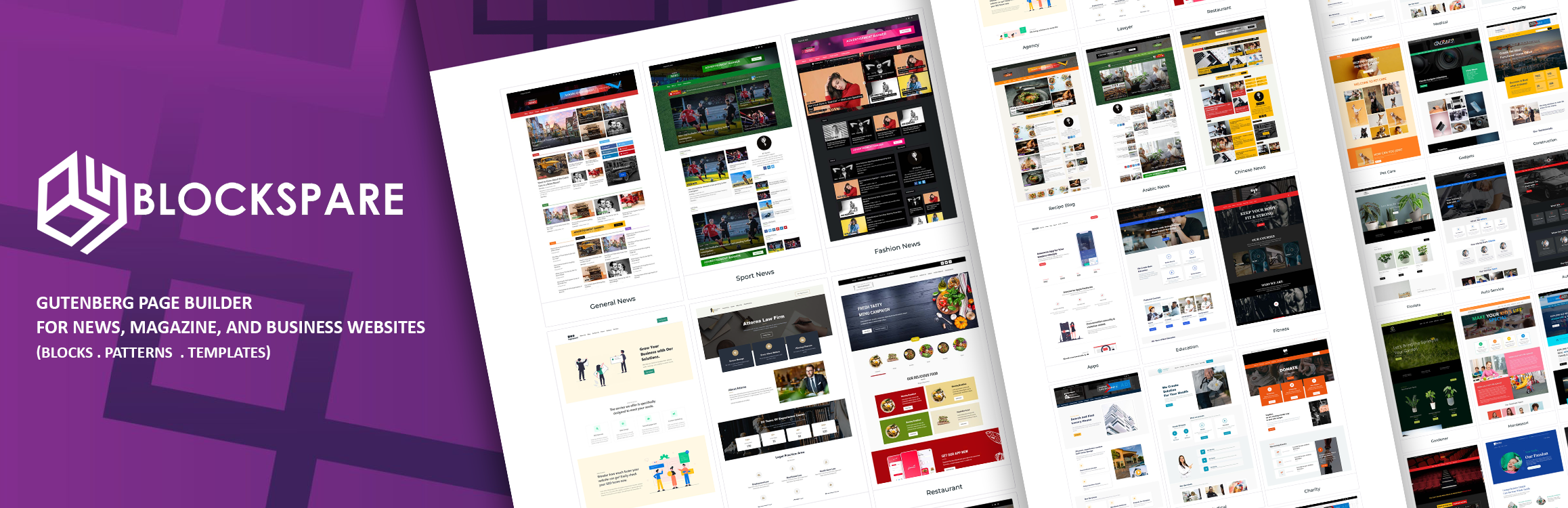
Choose Blockspare if:
Your site mixes news with marketing pages (pricing, testimonials, landing pages) and you’d use its AI tools. Check that the free features you need aren’t Pro-only (AJAX filters and load more are Pro).

Choose Gutenverse if:
You’ve committed to a block theme and the Site Editor and want strong styling controls across the whole site. Expect to build news layouts yourself from general post blocks.

Choose News Element if:
Your site is mainly a news or magazine homepage with many sections, on a classic theme, and you want a theme builder, mega menu, filter tabs, pagination and ready designs in the free plugin. It’s the newest of the four as a block plugin, so it has fewer reviews so far.
How to test before you commit
Screenshots won’t tell you how a plugin feels after a week. Before choosing:
1. Install two plugins on a staging site
And build the same homepage section with both: a category heading, one large post and four small ones.
2. Check the front end on a phone.
Look at spacing, image cropping and how the section stacks.
3. Run PageSpeed Insights
On both pages and compare the CSS and JavaScript each plugin loads.
4. Try a category page.
Make sure posts list automatically for any category without building a page for each one.
5. Read the most recent 1- and 2-star reviews
On WordPress.org. They show what goes wrong after the honeymoon.
For the full build process, see How to Build a News or Magazine Website with the WordPress Block Editor.
FAQ
We haven’t run a controlled speed test across all four, so we won’t name one. Speed depends more on how many sections and images a page has than on the plugin. Test your own layout as described above.
Yes, but each loads its own styles and scripts. Pick one for post layouts and remove the other once you’ve moved over.
PostX was closed on WordPress.org on 10 October 2026, pending review. See PostX alternatives for what that means and how to move.
Not to build a complete news site with any of these four. Check the specific features you need against each plugin’s free version, especially filter tabs, load more and templates.
Figures come from WordPress.org and each plugin’s pricing page on 14 November 2026. If something here is out of date, tell us and we’ll fix it.


