
 Free
Gutenberg plugin · News and magazine sites
Launch a news site with 83 magazine blocks and 147 ready-made home pages
NewsElement turns the block editor into a newsroom: hero grids, magazine layouts, sliders, tickers and single-post blocks, plus a theme builder, mega menu, Global Kit and a one-click demo importer. No page builder underneath.
Gutenberg blocks
83
Demo home pages
147
Niche demo sites
13
Post loop styles
47
Pagination modes
6
Features
Everything a publisher needs, inside the block editor
Built for news, magazine and blog sites: the layouts, the site parts and the speed work are already done.
Magazine and hero layouts
Twelve magazine layouts and nine hero blocks, from Hero Grid 3 to Hero Splash, each fed by its own post query.
Grid engine with filter tabs
Category tabs and six pagination modes, including load more and infinite scroll, all over AJAX.
Global Kit
Colour and typography presets used by every block. Change a preset once and the whole site follows.
Theme builder
Design the header, footer, single post and archive templates with blocks and set where each one shows.
Mega menu
Open full-width panels from any menu item. Panels are built with the same blocks as your pages.
One-click demo import
Pick a home from the Demo Library and import the site around it: pages, posts, templates, menus and Kit.
Single-post blocks
Post content, meta, table of contents, author box, related posts, inline related and reading progress.
Live search and next-post autoload
Search results pop up as readers type, and the next article loads as they reach the end of one.
Fast by default
One compiled stylesheet per page, deferred scripts, and nothing loaded for blocks a page does not use.
Free vs Pro
Start free. Go Pro for every demo design.
Every block and feature is in the free plugin. Pro adds the 62 Pro demo home pages, a licence with a year of updates, and priority support.
| Compare | Free$0 | All demos Pro$20 |
|---|---|---|
| Demos | ||
| Demo home pages to importAcross 13 niche news sites | 85 | 147 |
| Pro demo designs62 extra home pages | Preview only | |
| One-click demo importPages, posts, templates, menus and Kit | ||
| Blocks and site building | ||
| Gutenberg blocksMagazine, hero, grid, slider and single-post blocks | All 83 | All 83 |
| Grid engine with filter tabs47 loop styles, 6 pagination modes | ||
| Global KitColour and typography presets | ||
| Theme builder and mega menuHeader, footer, single and archive templates | ||
| Live search and next-post autoload | ||
| Fast by defaultOne compiled stylesheet per page | ||
| Licence and support | ||
| Pro licenceUse on one site | 1 site | |
| Pro updates | 1 year | |
| Priority support | ||
How it fits together
One plugin replaces a theme, a builder and five add-ons
The blocks sit on a shared controls engine. Templates, menus, the Kit and the importer all use the same blocks, so a site stays consistent end to end.
A grid engine built for front pages
Every post block shares one loop engine. Choose the posts, pick a style, add filter tabs and a pager, and readers move through your archive without a page reload.
Fast pages without a caching course
NewsElement compiles the CSS of the blocks a page uses, and the styles you set in the inspector, into one file per page. Block scripts load deferred, and only where they are needed.
Getting started
From install to a live news site in four steps
Install NewsElement
Upload the plugin and activate it. Blocks, Kit, theme builder and mega menu are ready at once.
Pick a demo
Open News Element → Demo Library and preview any of the 147 home pages on desktop, tablet and phone.
Import the site
Pages, posts, categories, templates, menus and the Global Kit arrive around the home you chose.
Make it yours
Change the Kit colours and fonts, swap the logo and point the blocks at your own categories.
Demos
147 home pages across 13 news sites
Sports, politics, tech, finance, lifestyle and personal blogs. Pick a home, preview it, then import the whole site around it.
Free
 Free
Home 02
Sports Free
Home 03
Sports Free
Home 04
Sports Free
Home 05
Sports Free
Home 06
Sports Free
Home 07
Sports Pro
Home 08
Sports Free
Home 09
Sports Free
Home 10
Sports Pro
Home 11
Sports Pro
Home 12
Sports Free
Home
Personal Blog Free
Home 02
Personal Blog Free
Home 03
Personal Blog Free
Home 04
Personal Blog Free
Home 05
Personal Blog Free
Home 06
Personal Blog Free
Home 07
Personal Blog Free
Home 08
Personal Blog Free
Home 09
Personal Blog Pro
Home 10
Personal Blog Pro
Home 11
Personal Blog Pro
Home 12
Personal Blog Pro
Home 13
Personal Blog Pro
Home 14
Personal Blog Pro
Home 15
Personal Blog Pro
Home 16
Personal Blog Pro
Home 17
Personal Blog Free
Home
Journal Free
Home 02
Journal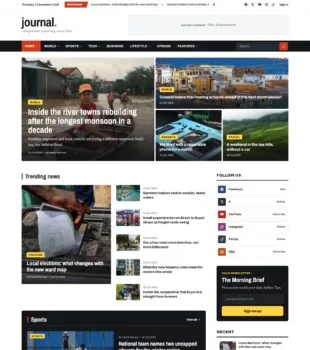 Free
Home 03
Journal Free
Home 04
Journal Free
Home 05
Journal Pro
Home 06
Journal Pro
Home 07
Journal Pro
Home 08
Journal Pro
Home 09
Journal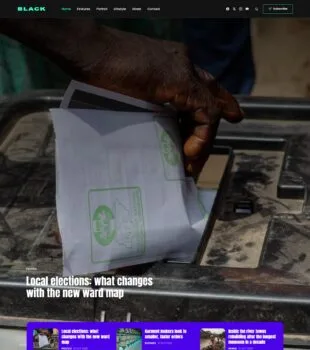 Pro
Home 10
Journal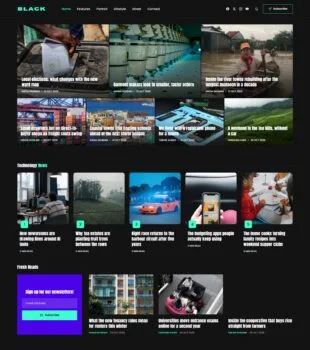 Pro
Home 11
Journal Pro
Home 12
Journal Pro
Home 13
Journal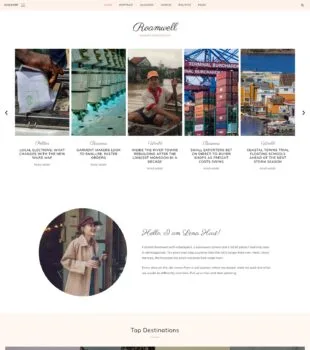 Free
Home 14
Journal Free
Home 15
Journal Pro
Home 16
Journal Free
Home
Standard News Free
Home
Marquee Free
Home 02
Marquee Free
Home 03
Marquee Pro
Home 04
Marquee Pro
Home 05
Marquee Pro
Home 06
Marquee Free
Home 07
Marquee Free
Home
Frontline Free
Home 02
Frontline Pro
Home 03
Frontline Free
Home 04
Frontline Pro
Home 05
Frontline Free
Home 06
Frontline Pro
Home 07
Frontline Pro
Home 08
Frontline Free
Home 09
Frontline Free
Home 10
Frontline Free
Home 11
Frontline Free
Home 12
Frontline Pro
Home 13
Frontline Pro
Home 14
Frontline Free
Home 15
Frontline Pro
Home 16
Frontline Pro
Home 17
Frontline Free
Home 18
Frontline Free
Home 19
Frontline Free
Home
Circuit Pro
Home 02
Circuit Pro
Home 03
Circuit Pro
Home 04
Circuit Free
Home 05
Circuit Free
Home 06
Circuit Free
Home 07
Circuit Free
Home 08
Circuit Free
Home 09
Circuit Free
Home 10
Circuit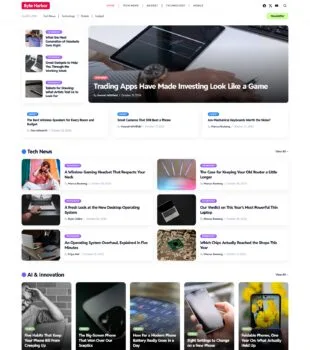 Free
Home 11
Circuit Pro
Home 12
Circuit Pro
Home 13
Circuit Pro
Home 14
Circuit Free
Home
Broadsheet Free
Home 02
Broadsheet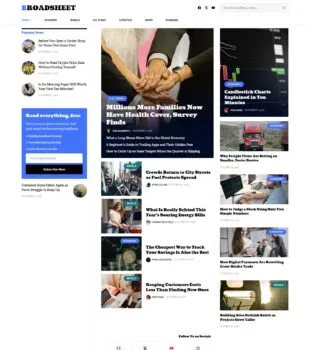 Free
Home 03
Broadsheet Free
Home 04
Broadsheet Free
Home 05
Broadsheet Pro
Home 06
Broadsheet Free
Home 07
Broadsheet Pro
Home 08
Broadsheet Free
Home 09
Broadsheet Free
Home 10
Broadsheet Free
Home 11
Broadsheet Free
Home 12
Broadsheet Pro
Home 13
Broadsheet Free
Home 14
Broadsheet Pro
Home 15
Broadsheet Pro
Home 16
Broadsheet Free
Home 17
Broadsheet Pro
Home 18
Broadsheet Free
Home
Tickerline Free
Home 02
Tickerline Free
Home 03
Tickerline Pro
Home 04
Tickerline Pro
Home 05
Tickerline Free
Home 06
Tickerline Free
Home 07
Tickerline Pro
Home 08
Tickerline Free
Home 09
Tickerline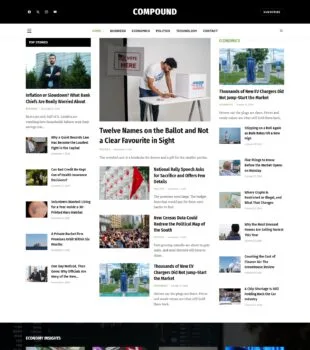 Pro
Home 10
Tickerline Free
Home
TechNest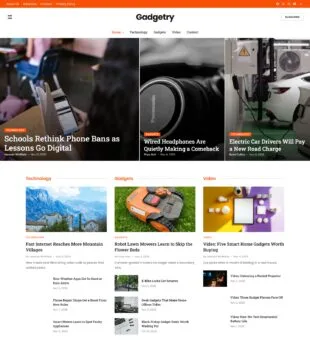 Free
Home 02
TechNest Free
Home 03
TechNest Pro
Home 04
TechNest Pro
Home 05
TechNest Pro
Home 06
TechNest Free
Home 07
TechNest Pro
Home 08
TechNest Free
Home 09
TechNest Pro
Home 10
TechNest Free
Home
Statecraft Free
Home 02
Statecraft Pro
Home 03
Statecraft Free
Home 04
Statecraft Free
Home 05
Statecraft Pro
Home 06
Statecraft Pro
Home 07
Statecraft Pro
Home 08
Statecraft Pro
Home 09
Statecraft Free
Home 10
Statecraft Free
Home
Nestwell Free
Home 02
Nestwell Free
Home 03
Nestwell Free
Home 04
Nestwell Free
Home 05
Nestwell Free
Home 06
Nestwell Pro
Home 07
Nestwell Pro
Home 08
Nestwell Pro
Home 09
Nestwell Pro
Home 10
Nestwell Pro
Home 11
Nestwell Free
Home 12
Nestwell Free
Home
The SparkFAQ
NewsElement questions, answered
Yes. It works with classic and block themes. For full control, pair it with a blank theme and build the header, footer, single post and archive templates in the theme builder.
The chosen home page and the rest of that site: its other pages, posts, categories and tags, Theme Builder templates, menus, mega menu panels and the Global Kit. Other home pages of the same site stay behind.
85 demo homes are free to import. 62 Pro designs can be previewed now and imported with a Pro licence.
No more than the blocks you place. Each page gets one compiled stylesheet, scripts load deferred in the footer, and sliders load their library only where they are used.
Yes. The theme builder replaces the theme header, footer, single post and archive templates with block-built ones and shows each by display conditions.
Your content stays in the editor as standard block markup. The blocks stop rendering on the front end until the plugin is active again, as with any block plugin.
Ready to publish with NewsElement?
Start from one of 147 home pages, or build your own front page from 83 blocks.